
 Checked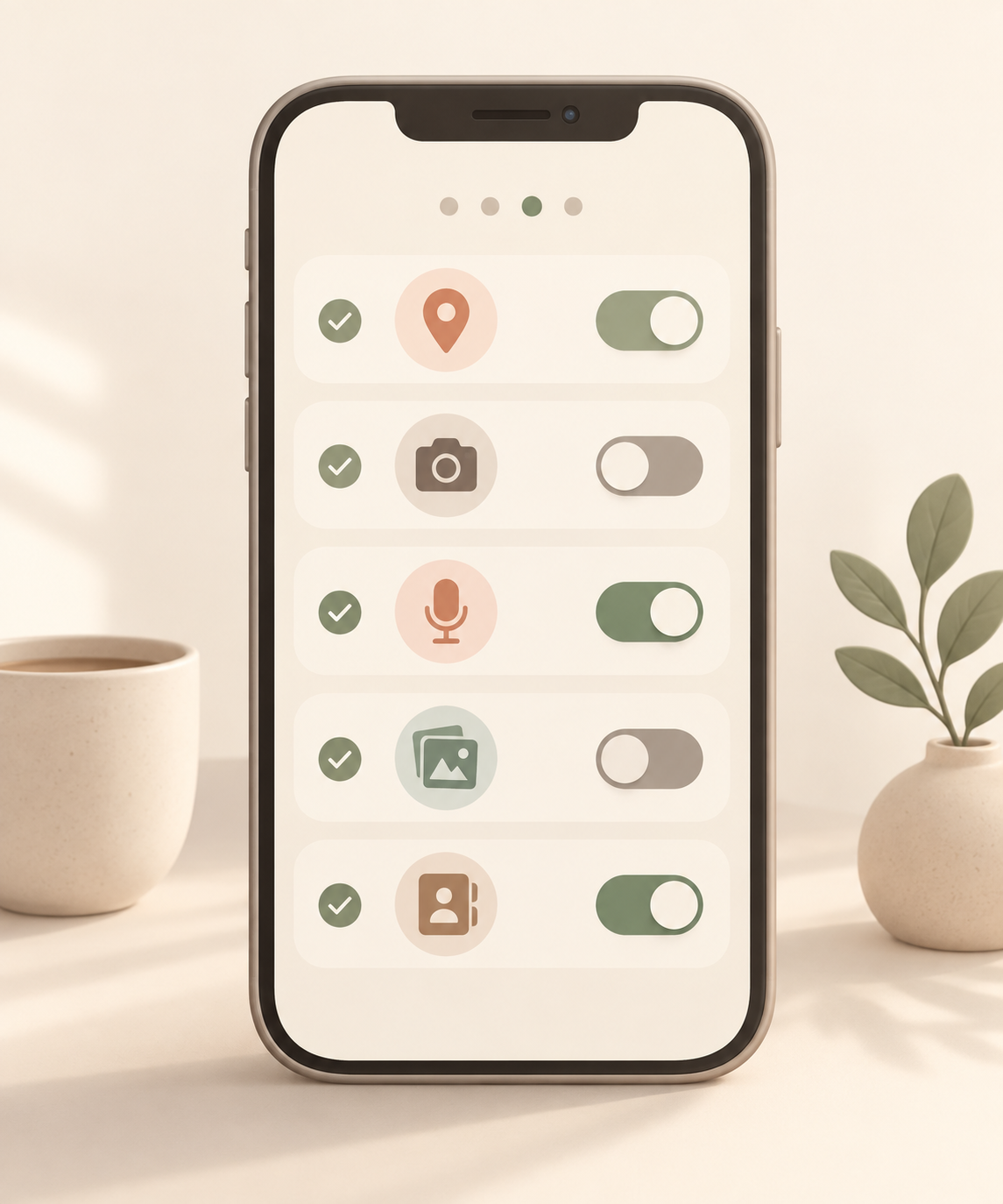
How to do it
Open the privacy or app permission settings on your phone. Start with the sensitive areas: location, camera, microphone, photos, and contacts. For apps you rarely use, switch access to "while using" or remove it completely. Delete apps you no longer need.
Why it helps
Apps often keep permissions long after you stop using them regularly. A short quarterly audit reduces unnecessary data access without turning privacy into a big project. Location, photo library, and microphone access are the permissions most worth checking.
What to be careful with
Do not remove access blindly from navigation, banking, medical, family, or security apps. Test the app briefly after changing a permission. If it asks again the next time you open it, allow only the smallest level of access that makes sense.
A simple routine
Create a recurring reminder every three months. Five minutes is usually enough: check permissions, remove old apps, then test the few apps you rely on most.
Sources
Selected references used to verify or support this tip.
- Change app permissions on your Android phone Google Help · official_docs