
 Checked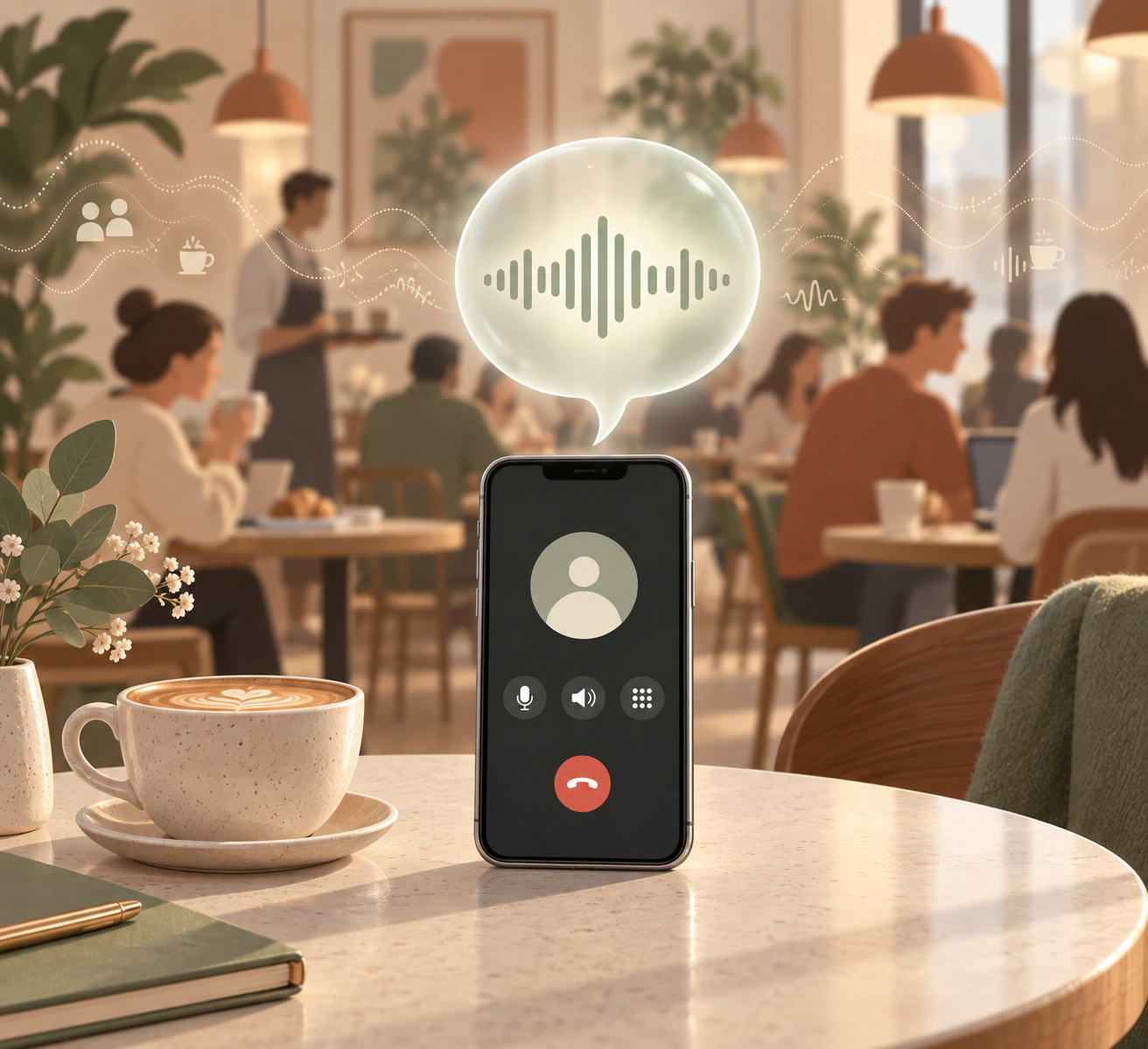
How to turn it on
During a Phone or FaceTime call, open Control Center. Tap the microphone mode at the top and choose Voice Isolation. The setting stays active for that call type until you change it again.
When it helps most
Use Voice Isolation when you are outside, in a car, on a train, in a cafe, or in a room with several people talking. Your iPhone prioritizes your voice and reduces background noise for the person listening.
Switch back when needed
If your audio sounds too processed or you want the other person to hear the room around you, open Control Center again, tap the microphone mode, and return to Standard.
Good to know
Availability depends on your iOS version, device, and app. Voice Isolation can make calls clearer, but it does not replace a good headset if you often call from very noisy places.
Sources
Selected references used to verify or support this tip.
- Use microphone modes on your iPhone, iPad, or Mac Apple Support · official_docs