
TL;DR
Hold down the spacebar on your iPhone keyboard to turn it into a precision trackpad for cursor control.
Checked 1 source
 Checked
 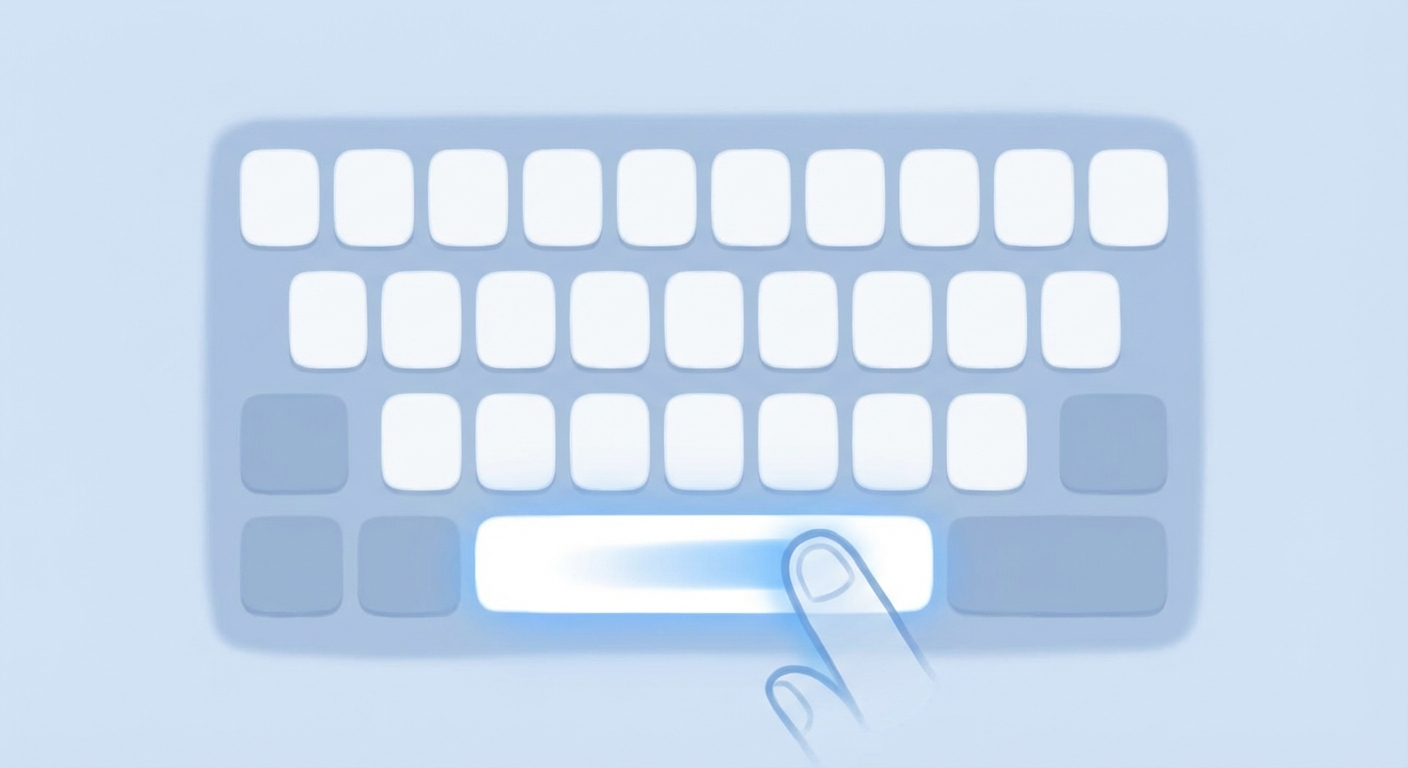 ## The Hidden Trackpad One of the iPhone's best-kept secrets is hiding in plain sight: your spacebar doubles as a trackpad! ### How to Use It 1. **Hold the spacebar** - Press and hold the spacebar while typing 2. **Move your finger** - The keyboard turns blank, and you can slide to move the cursor precisely 3. **Release** - Let go when the cursor is where you want it ### Bonus Tip **Double-tap the spacebar** to automatically insert a period and space - perfect for faster typing! ### Why It's Useful - Edit text without awkward tapping - Position cursor exactly where needed - Much faster than the magnifying glass method - Works in any app with text input
Sources
Selected references used to verify or support this tip.
- Apple Support: Type with the onscreen keyboard on iPhone Apple Support · official_docs