
TL;DR
Hold down the spacebar on your iPhone keyboard to turn it into a precision trackpad for cursor control.
Checked 1 source
 Checked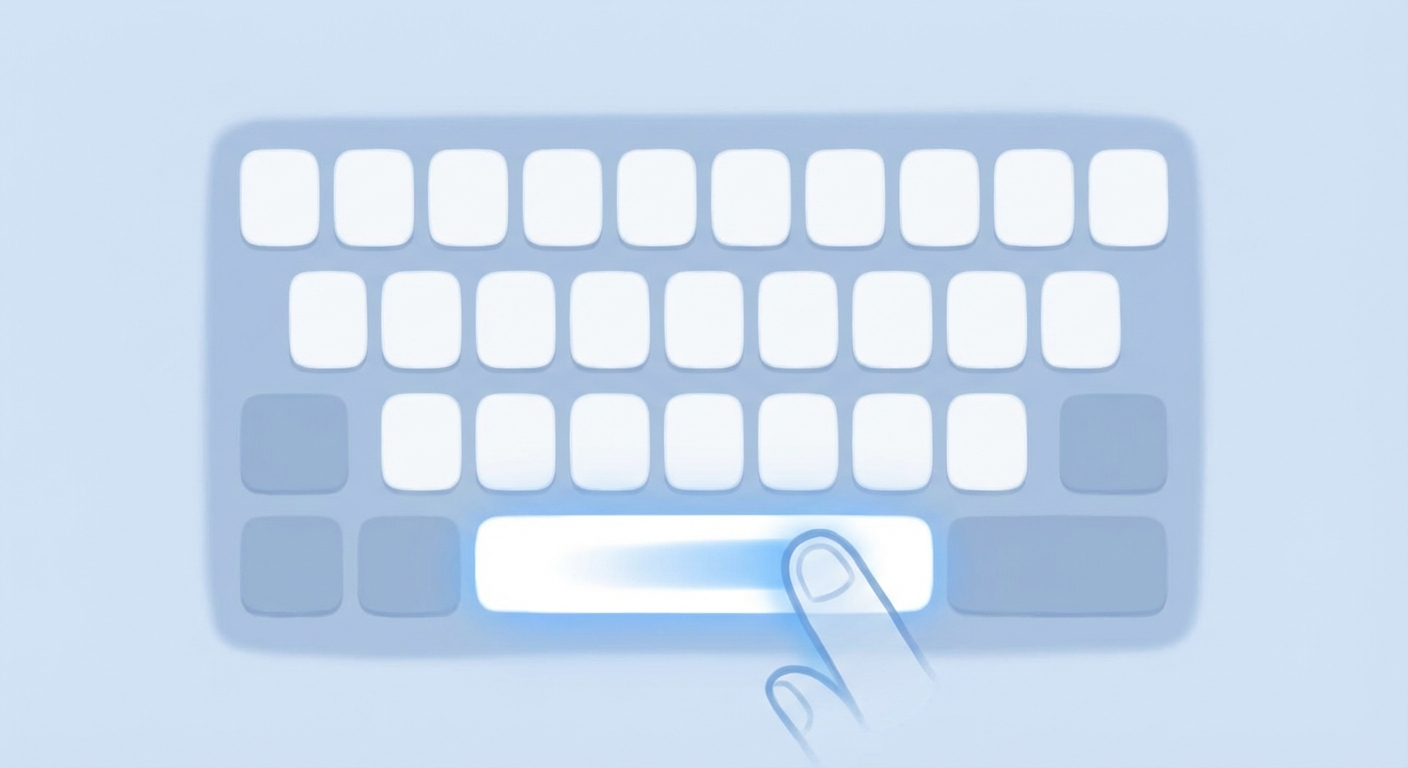
The Hidden Trackpad
One of the iPhone's best-kept secrets is hiding in plain sight: your spacebar doubles as a trackpad!
How to Use It
- Hold the spacebar - Press and hold the spacebar while typing
- Move your finger - The keyboard turns blank, and you can slide to move the cursor precisely
- Release - Let go when the cursor is where you want it
Bonus Tip
Double-tap the spacebar to automatically insert a period and space - perfect for faster typing!
Why It's Useful
- Edit text without awkward tapping
- Position cursor exactly where needed
- Much faster than the magnifying glass method
- Works in any app with text input
Sources
Selected references used to verify or support this tip.
- Apple Support: Type with the onscreen keyboard on iPhone Apple Support · official_docs