
 Checked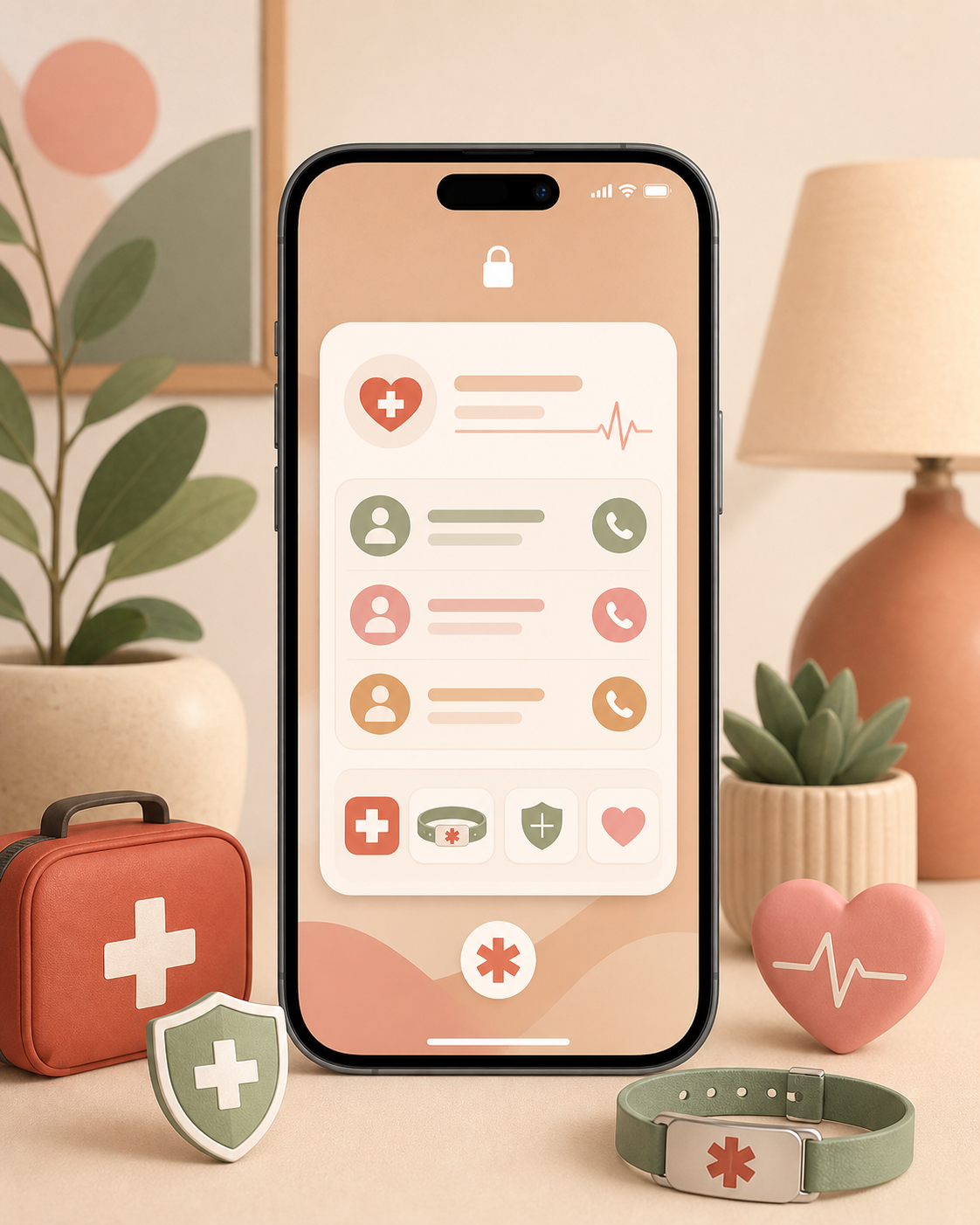
Set it up first
Open the health, safety, or emergency settings on your phone. On iPhone, Medical ID is in the Health app. On many Android phones, similar details live under Safety and emergency or emergency contacts.
Start with one or two people who can actually be reached in an emergency. Then add only the details that could help immediately: allergies, important medication, your blood type only if you know it for sure, and relevant notes such as diabetes or implants.
Test the lock screen
The useful part is not just filling in the form. Lock your phone and check whether the emergency information can be opened without unlocking the device. Look for Emergency, Medical ID, or a similar option on the lock screen.
Ask someone you trust to find it once as well. If another person cannot locate the information quickly, it will not help much in a stressful moment.
Keep private details out
Do not store your full medical history there. Emergency info is meant for fast decisions, not as a public medical archive on your lock screen.
Keep the entry short and current. Update it when phone numbers, medication, or allergies change. A reminder every six months is enough to keep this small safety step from becoming stale.
Sources
Selected references used to verify or support this tip.
- Set up your Medical ID in the Health app on your iPhone Apple Support · official_docs