
TL;DR
In Safari on iPhone, swipe left/right on the bottom address/tab bar to jump between tabs instantly.
Checked 1 source
 Checked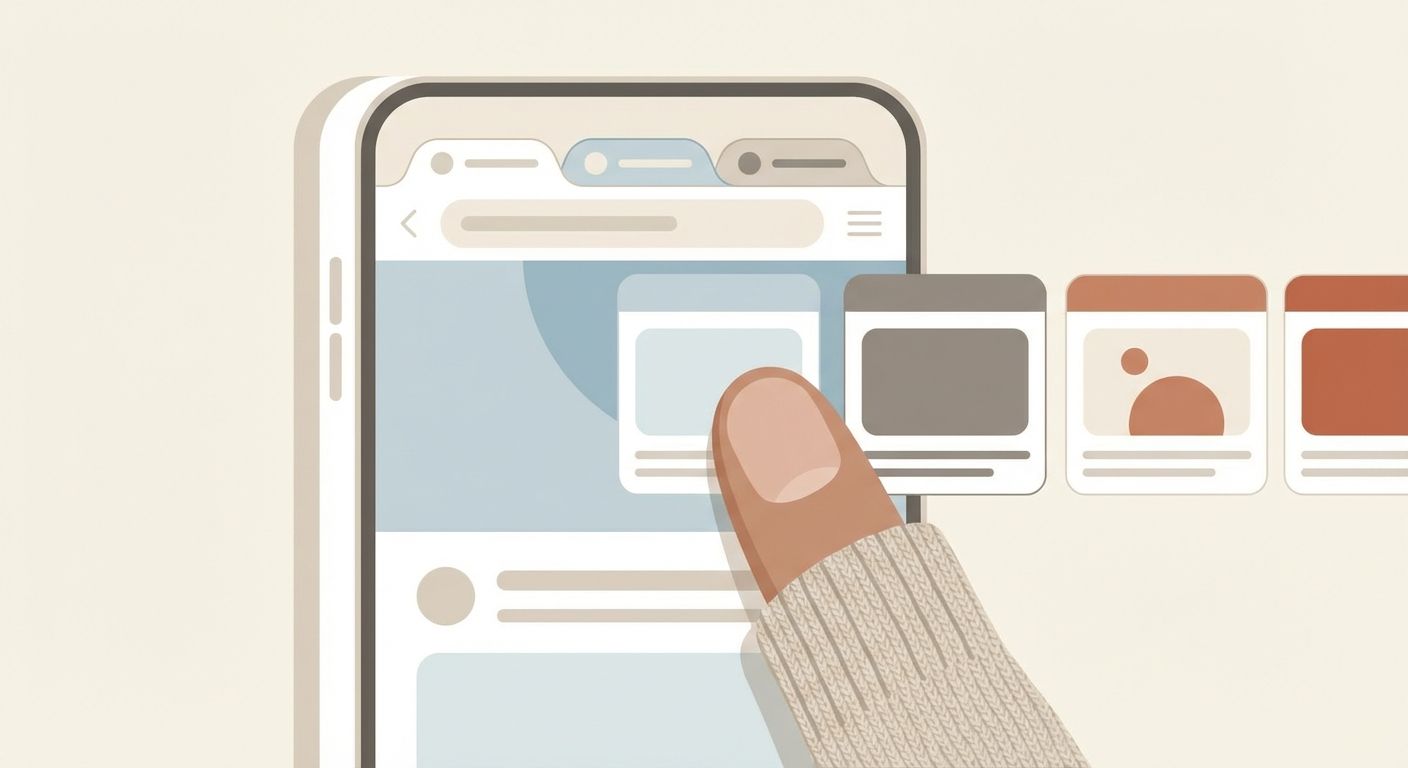
If you tap the tabs button in Safari to switch between pages, you're doing it the slow way. There's a gesture most people don't know about.
The gesture
Put your finger on the bottom address bar and swipe left or right. That's it — you jump to the next or previous tab instantly.
Tips for making it work
- Swipe on the bar itself, not on the page content — some websites capture horizontal swipes for carousels or sliders
- Works in both regular and Private Browsing mode
- If you use the old top-bar layout (Settings > Safari > Single Tab), the gesture won't work — you need the default Tab Bar layout
More Safari gestures worth knowing
| Gesture | What it does |
|---|---|
| Swipe left/right on address bar | Switch tabs |
| Long-press the tab button | Quick actions: close all tabs, close this tab, new tab |
| Long-press the + button | See recently closed tabs |
| Long-press the back arrow | See full page history for this tab |
| Swipe right from left edge | Go back one page |
| Two-finger tap on a link | Open in background tab |
Why it matters
When you're comparing prices, reading multiple articles, or bouncing between a form and reference info — swiping between tabs takes a fraction of the time compared to opening the tab overview. Once you get used to it, you'll never go back.
Sources
Selected references used to verify or support this tip.
- Apple Support: Open and close tabs in Safari on iPhone Apple Support · official_docs