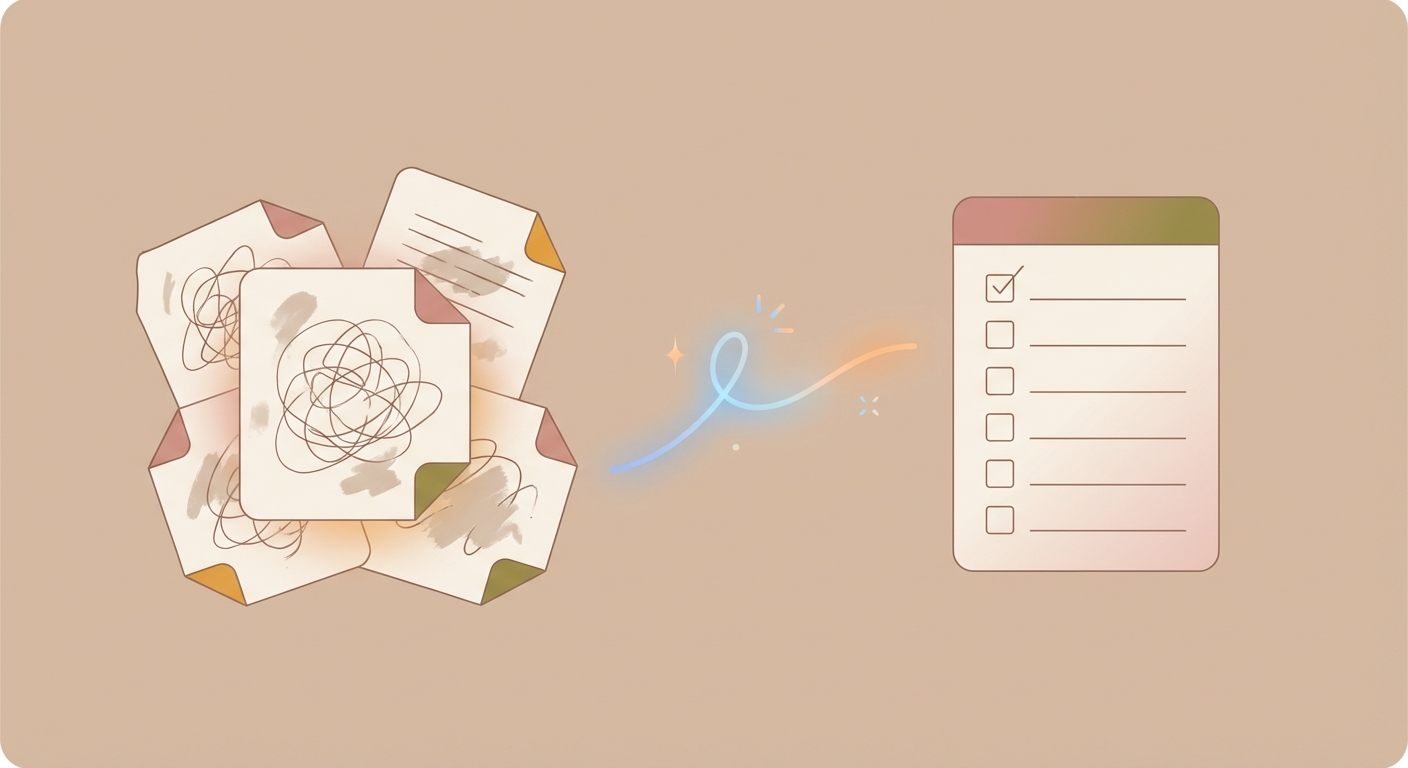
🤖AI⚡Productivity #023 2 February 2026 One prompt: turn messy notes into a clear to-do list Paste your meeting notes into an AI and have it extract decisions, action items, and open questions in the same structure every time. Checked 1 source ai meeting notes 1.1k
📱iPhone⚡Productivity #137 7 June 2026 Tap the Back of Your iPhone to Launch Shortcuts Back Tap turns a double or triple tap on the back of your iPhone into a fast action. Checked 1 source All year iPhone Back Tap Shortcuts 477
⚡Productivity #138 8 June 2026 Use a 4-minute timer to start chores Stop negotiating with the whole task. Set a 4-minute timer and do only the first visible step. All year procrastination productivity timer 442
⚡Productivity #136 6 June 2026 Your Library Card May Do More Than Lend Books Spend ten minutes checking whether your local library includes digital media, courses, tools, workspaces, or workshops before you pay for them elsewhere. All year library saving money productivity 397
⚡Productivity #182 24 July 2026 Save Warranty Receipts Right Away Scan warranty receipts right after purchase and name them clearly. You will have the date, store and serial details ready when something breaks. Checked 1 source warranty receipts productivity 307
💻Mac⚡Productivity #038 13 February 2026 Quick Look: Preview Any File Without Opening It Quick Look previews images, PDFs, videos, and many other files directly in Finder: select a file, press Space, and inspect it without launching an app. Checked 1 source All year Quick Look Space bar Finder 1.0k
⚡Productivity #147 17 June 2026 Clean Before a Trip So Coming Home Is Easier Set up your home before you leave so your return starts calmly instead of with old chores. Travel season travel home routine 451
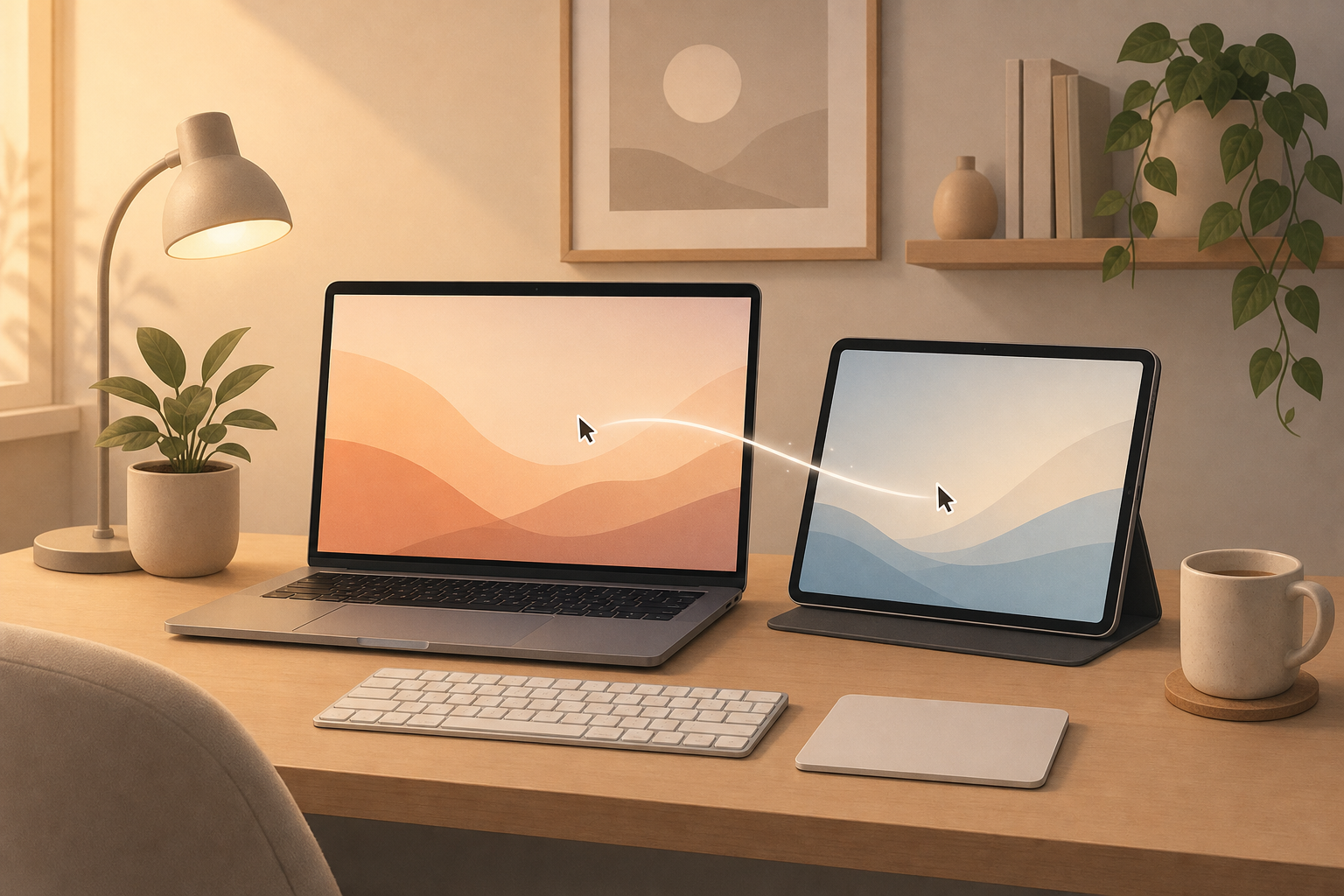
💻Mac⚡Productivity #154 24 June 2026 Mac Universal Control: One mouse for Mac and iPad Use the same mouse and keyboard across your Mac and iPad without cables, apps, or Bluetooth re-pairing. Checked 1 source All year Universal Control Mac iPad 407
📱iPhone⚡Productivity #044 19 February 2026 Focus Modes: Filter Notifications Intelligently Your iPhone can automatically filter notifications based on time, location, or activity. Here's how to set up Focus modes for work, sleep, and downtime. Checked 1 source All year Focus modes iPhone notifications 759
⚡Productivity #119 20 May 2026 Label unique cables before you forget what they belong to A tiny label prevents future guessing games with chargers, adapters, and proprietary cables. All year cables organization charger 454
📱iPhone⚡Productivity #225 5 September 2026 Mute an App Notification Right When It Appears Swipe a noisy iPhone notification left and mute that app for an hour or the day, without digging through Settings. Checked 1 source All year iPhone notifications focus 233
⚡Productivity #189 1 August 2026 Keep a shared “always runs out” list Create one shared household list for things that always disappear at the wrong moment, so you restock trash bags, hand soap, or batteries before they run out. Checked 1 source All year household shopping list productivity 309

 Checked