
TL;DR
Paste your meeting notes into an AI and have it extract decisions, action items, and open questions in the same structure every time.
Checked 1 source
 Checked
 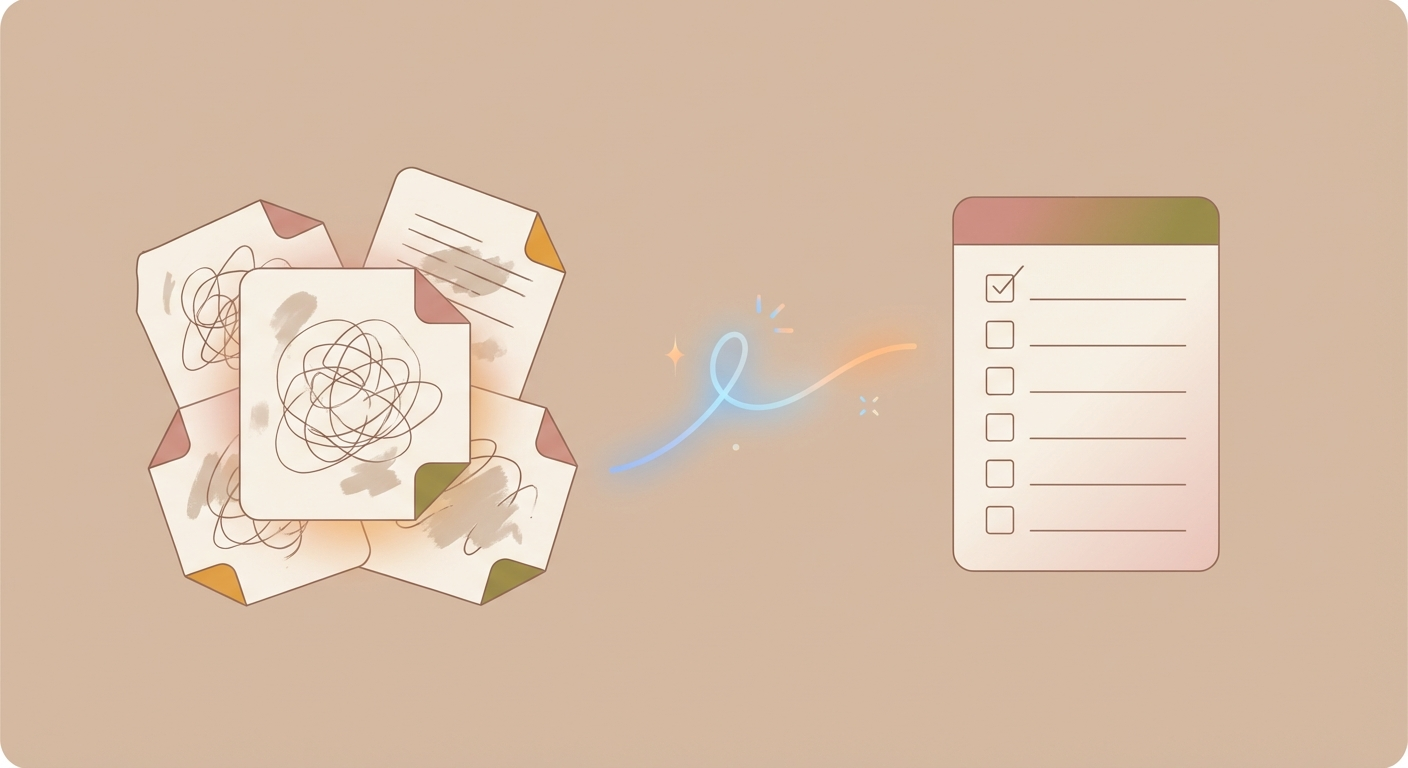 ## How to do it 1) Paste your raw notes (even if they’re messy) into ChatGPT/Claude/your AI of choice. 2) Add this prompt below: ```text You are my meeting assistant. Reformat the raw notes into this structure (English): ## Decisions - ... ## Action items (include owner + deadline if present) - [ ] Owner: ... | Task: ... | Deadline: ... ## Open questions - ... Rules: - Do not invent anything. If owner/deadline is missing, write: Owner: ? / Deadline: ? - You may merge duplicates, but don’t lose information. - At the end: mark the top 3 action items as priorities (P1/P2/P3). RAW NOTES: <<< [PASTE HERE] >>> ``` 3) Copy the output into your task manager or a note. 4) Immediately resolve the `Owner: ?` and `Deadline: ?` items — those are your real blockers. ## Why it helps - You turn chaos into a system in under 60 seconds. - You stop decisions and ownership from slipping through the cracks.
Sources
Selected references used to verify or support this tip.
- OpenAI Help Center: Prompt engineering best practices for ChatGPT OpenAI · official_docs