
 Checked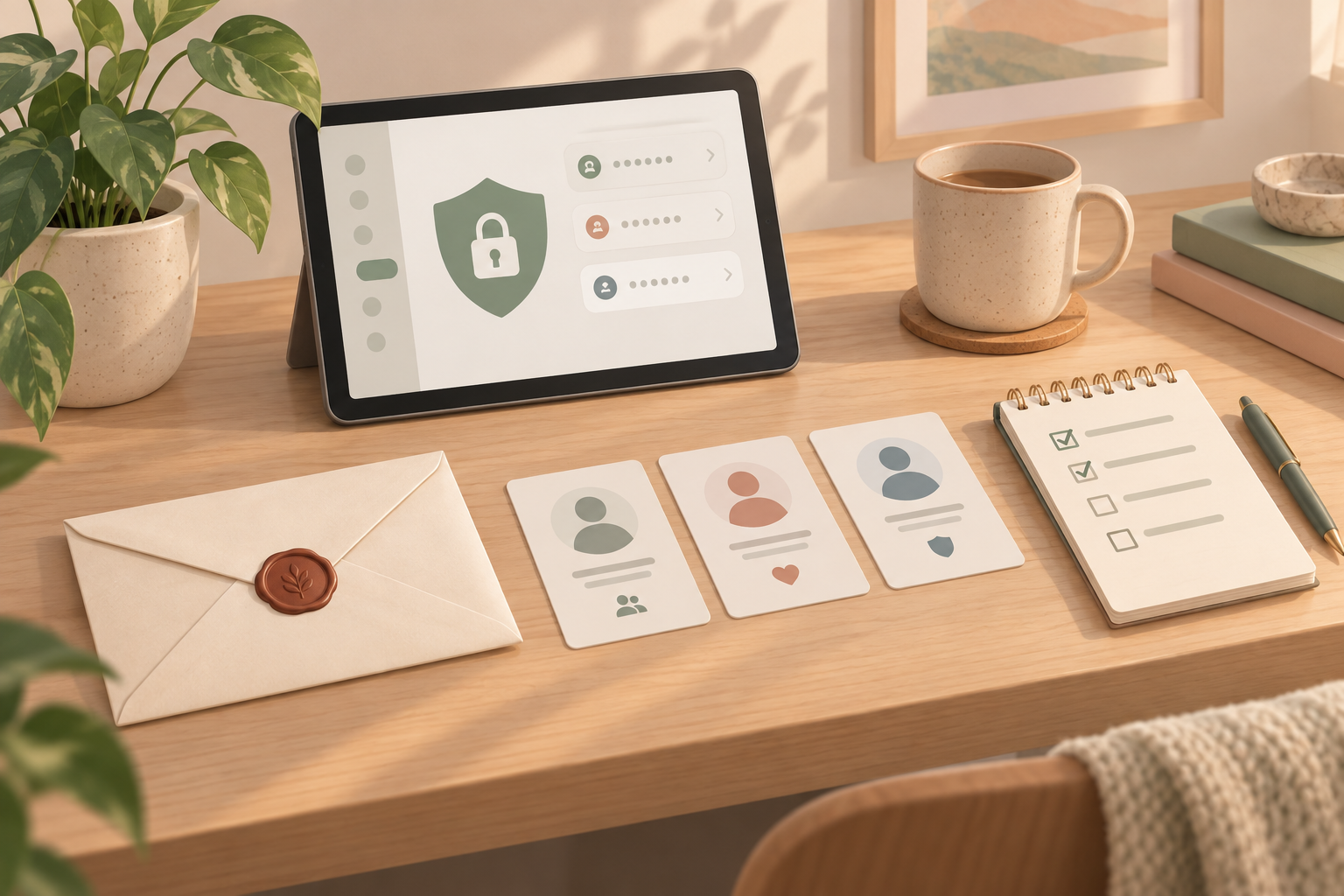
Set Up Emergency Access
Start by checking whether your password manager supports emergency access, family sharing, or trusted contacts. Choose one person who may request access if something happens to you. A good setup includes a waiting period, such as seven or fourteen days, so you can reject a mistaken or malicious request.
If your provider offers different permission levels, choose them deliberately. For personal planning, read-only access to selected vault items is often enough. Full account takeover or admin rights should be reserved for cases where you fully understand the consequences.
Document What Matters
Do not keep a plain password list in a document. Instead, create a short emergency note that explains which password manager you use, which email address belongs to the account, where recovery codes are stored securely, and which accounts matter most. Think of banking, insurance, email, mobile contracts, cloud storage, domains, club accounts, or business services.
Store that note somewhere appropriate, such as with your estate documents, in a locked folder, or in a safe deposit box. It should help someone find the plan, but it should not be enough by itself to unlock everything.
Rehearse the Process Lightly
Ask the trusted person to walk through the process once without receiving any passwords. They should know which service you use, what the waiting period is, and who else they should contact. The point is clarity, not immediate access.
Review the setup once a year. Confirm the trusted person, email address, recovery codes, and important accounts are still current. Emergency access is not pessimism; it is basic digital planning for family, colleagues, and your future affairs.
Sources
Selected references used to verify or support this tip.
- Emergency Access Bitwarden · official_docs